
Guide
Account Setup & KYC: Step-by-Step With What to Expect
Get verified on your first try: step-by-step account setup and KYC for sweepstakes casinos—documents to prep, pro tips, timelines, fixes, and perks unlocked.
Filed
Key facts
- Filed
- Author
- Rae Clip
- Read time
- 10 min read
Mission moment: you sign up, upload once, and see “Verified.” From there, you can play for prizes and redeem SC without back‑and‑forth. This guide shows you exactly how to get verified on your first try.
We may earn a commission when you use our links. No purchase necessary. Sweepstakes subject to eligibility. 18+ / 21+ where required. Void where prohibited. Play responsibly.
Quick Answer: How to pass verification on the first try
- Use your legal name and your current residential address (no nicknames, no P.O. boxes)
- Have one government‑issued photo ID ready: driver’s license, state ID, or passport
- Be ready for a selfie and, if prompted, a proof of address (recent utility bill or bank statement)
- Match every detail across forms and documents (name, DOB, address)
- Turn off VPNs and enable location permissions if asked
- Keep image files clear, color, and uncropped (JPG/PNG/PDF; <10MB each)
- Respond quickly if the system asks for a resubmit—most auto checks clear within minutes
Tip: If you’ve moved recently, update your address everywhere (ID, bank, USPS). Mismatches cause most delays.

Why this matters (and what you unlock)
A completed account and KYC lets you:
- Play for prizes using Sweeps Coins (SC) in eligible states
- Redeem SC once you meet the platform’s redemption rules
- Access creator perk drops (e.g., bonus Gold Coins or SC via codes) within posted caps and expiries
- Avoid holds when you request redemptions later
No purchase necessary to participate in the sweepstakes model. Eligible states and exact rules vary by platform—always check the site’s terms.
What to have ready (2–5 minutes prep)
- Government ID: driver’s license, state ID, or passport (unexpired)
- Your legal name, date of birth, and current residential address
- Phone for SMS verification and selfie capture
- Optional: last 4 digits of SSN (some platforms ask if an automatic match can’t be made)
- Optional: a recent utility bill or bank statement for proof of address
Pro tip: Take photos in bright, indirect light. Place ID flat, avoid glare, and keep all four corners visible.
The flow (guest to verified) with honest timestamps
- Guest browsing: 0 minutes—look around without committing
- Create account: 1–2 minutes (email + password + state)
- Email/phone verify: 30–60 seconds each
- Profile info (name, DOB, address): 1 minute
- KYC upload (ID + selfie): 3–5 minutes
- Instant checks: 2–5 minutes
- If manual review needed: 1–24 hours (rarely up to 48 hours)
Heads‑up: If details don’t match, expect a request for a clearer photo or a proof of address. Fast responses speed approval.
Step 1 — Create your account
- Go to the platform’s signup page.
- Enter your email and create a strong password.
- Add your state to confirm you’re in an eligible location.
- Accept the terms and acknowledge the sweepstakes rules.
What to expect:
- A verification email with a link (expires quickly—often 10–30 minutes)
- Optional invite to add a referral or creator code (caps and expiries apply; one per person)
Warning: One account per person/household is standard. Duplicate accounts can be closed and redemptions may be blocked.
Step 2 — Verify email and phone
- Email: Click the link in your inbox to confirm ownership.
- Phone: Enter your number and the SMS code you receive.
Why both? Ensures secure access and reduces fraud flags later when you redeem SC.
Common snags:
- Email link expired? Request a new one.
- No SMS? Check coverage, avoid VoIP numbers, and try again.
Tip: Use the same email and phone you’ll keep. Changing later can trigger re‑verification.
Step 3 — Complete your profile (the data match step)
- Enter legal first and last name (as shown on ID)
- Date of birth (confirm age eligibility: 18+ or 21+ where required)
- Residential address (no P.O. boxes)
This data must match your documents. The system may attempt a soft identity check using this info. If it passes, you may not be asked for more. If not, continue with document upload.
Note: Using a nickname, initials, or an old address is the top reason for delays.
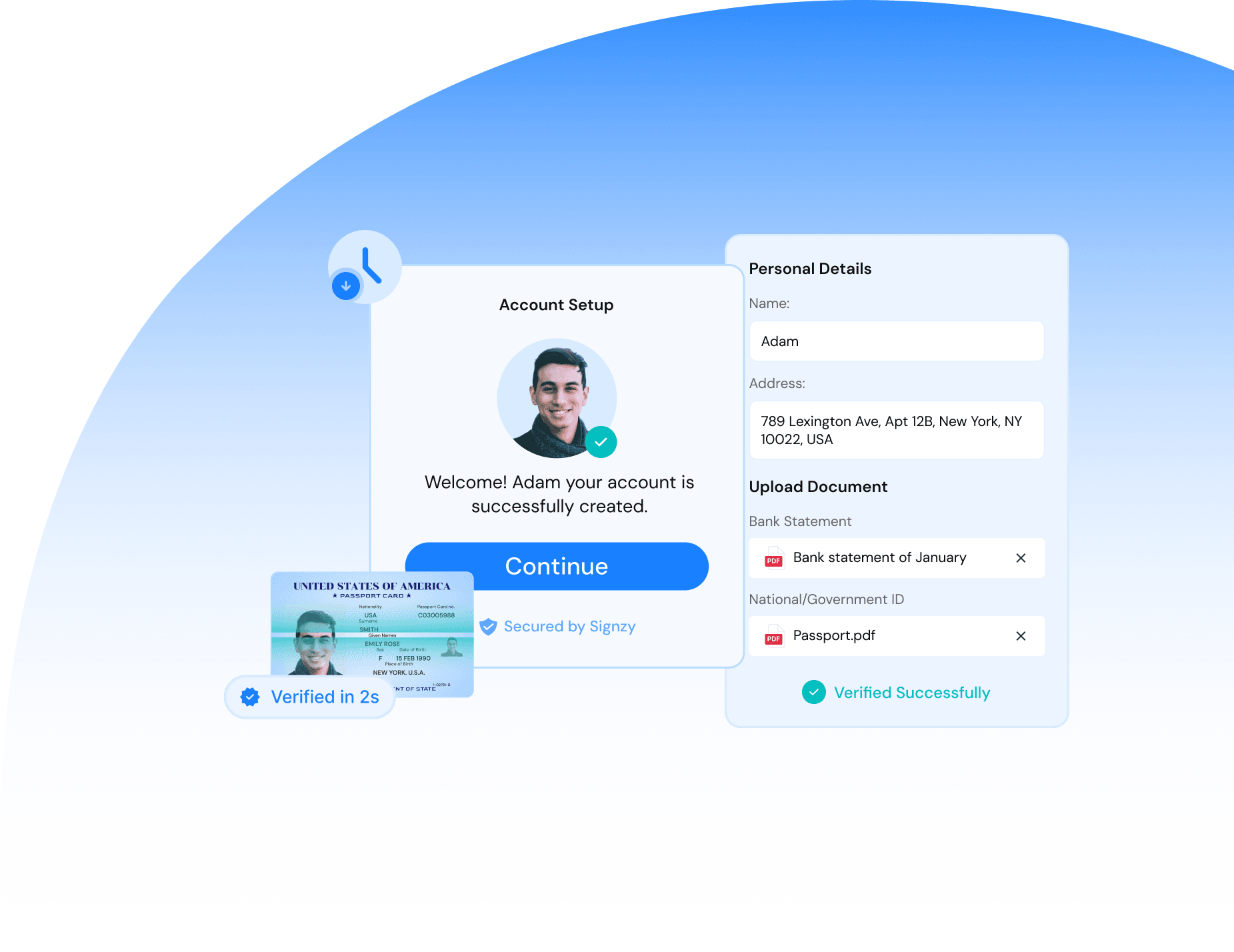
Step 4 — KYC document upload (ID + selfie)
You’ll see a secure KYC screen (often powered by third‑party providers like Persona, Onfido, or Trulioo). Follow on‑screen prompts:
- Choose your ID type: driver’s license, state ID, or passport
- Capture front and back (license/ID) or the full Passport data page
- Take a live selfie (no hats/sunglasses; face centered)
File guidance:
- Use color images, not scans or photocopies
- Keep files <10MB and in JPG/PNG/PDF
- Make sure all text is legible—no cropping, no blur
Pro tip: If glare is an issue, tilt the ID slightly and shoot from above. Avoid flash.
If prompted for proof of address, upload one:
- Utility bill, bank/credit statement, or government letter
- Full name and address visible; dated within the last 60–90 days
Warning: Edited images or mismatched addresses are auto‑flagged. Upload originals only.

Step 5 — Address check and last‑4 SSN (if requested)
Some platforms can’t complete an instant match using name, DOB, and address alone. If the system asks:
- Enter the last four digits of your SSN for a secure match
- Or provide an additional document (e.g., second ID or proof of address)
This step is common if you’ve moved recently or your credit file is thin. It’s a standard KYC process for sweepstakes platforms to ensure eligibility and to keep redemptions smooth.
Note: You might also be asked to enable location or submit a one‑time geolocation check to confirm you’re in an eligible state.
Step 6 — Review times and the “Verified” finish line
- Auto verification: usually 2–5 minutes
- Manual review: typically within 1–24 hours
- If more info needed: you’ll get a notification/email with a link to re‑submit
Once approved, you’ll see a “Verified” status in your account. From there you can participate fully in the sweepstakes model and redeem SC according to the platform’s rules.
Tip: Save a screenshot of your “Verified” page for your records.
What you can do after verification (real perks, labeled)
- Access full sweepstakes features to play for prizes with SC
- Redeem SC when you meet redemption thresholds
- Claim creator code perks: often limited‑time Gold Coin and/or SC bonuses
- Caps: typically 1 code per account; fixed SC/GC amount
- Expiries: common 24–72 hours after code launch; some are same‑day
- Daily rewards: check “Daily Bonus” or “Promotions” tabs for recurring GC/SC opportunities
Reminder: No purchase necessary. Redemption and eligibility rules vary by platform and state. Always read the posted terms.

Common blockers and how to fix them fast
- Name mismatch: Use your full legal name as shown on your ID. Avoid middle initial confusion—match your document exactly.
- Address mismatch: Update your address to your current residence. If your ID shows an old address, add a recent utility bill.
- Blurry/low‑light images: Retake with better lighting. Clean your camera lens and avoid motion blur.
- Cropped ID edges: Re‑upload with all four corners visible.
- VPN/Proxy detected: Disable it. KYC and eligibility checks need an accurate location signal.
- Underage or ineligible state: You won’t be able to verify or redeem SC. Check eligibility before you start.
- Duplicate accounts: Contact support to resolve. Opening multiple accounts can block redemptions.
Pro tip: If you’re stuck in manual review for more than 24 hours, reply to the verification email or open a support ticket with your case number.
Security and privacy: what’s normal
- Secure upload portal: Always submit documents inside the platform’s KYC flow—never by email or chat unless instructed via a secure link.
- Third‑party KYC providers: Common, compliant, and audited. Your data is used to verify identity and eligibility.
- Data retention: Varies by platform and jurisdiction. Check the privacy policy for retention periods and deletion options.
- Tax forms: If your redemptions reach reporting thresholds (e.g., $600+ in a tax year), you may be asked to complete a W‑9 and may receive a 1099. This is standard. Consult a tax professional for advice.
Note: You can request account closure or data deletion per the platform’s policy and applicable laws.

Eligible states and age checks
- Age: 18+ or 21+ where required. The platform will state the exact minimum.
- States: Eligibility varies by platform. Many sweepstakes casinos exclude certain states (commonly WA and ID), but always confirm on the site’s terms page.
If you travel: Your eligibility may change based on your current location. Plan ahead if you intend to redeem SC while on the road.
Warning: Using obfuscation tools to bypass state restrictions can lead to account closure and forfeiture of redemption eligibility.
How creator perks fit into the flow
- Fast track: Verification first, then apply creator codes or links—fewer interruptions when perks drop
- Caps: One redemption per person/household is common
- Expiries: Creator code windows can be short (24–72 hours). Verify early to be ready
- Fair use: Abuse (multi‑accounting) risks your account status and future perks
Tip: Turn on email/app notifications so you don’t miss limited‑window creator drops.

Troubleshooting timeline: what to do if verification stalls
- 10 minutes: If you don’t see a status update, refresh your account page
- 1 hour: Check for an email asking for a resubmission or extra document
- 24 hours: Contact support with your case number and list what you already provided
- 48 hours: Re‑submit clearer docs; ask if a different ID type is preferred
Pro tip: When contacting support, attach thumbnails (redact sensitive numbers if emailing) and confirm your current address in the ticket.
Required screenshots to capture for your records
- Sign‑up form (before you submit)
- KYC doc upload screen (showing your chosen ID type)
- “Verified” confirmation page in your account
These help if you ever need to show what you submitted and when.
FAQs
Q: Do I need to buy anything to verify?
A: No. No purchase is necessary to participate in the sweepstakes model.
Q: Can I play without KYC?
A: You can typically explore and play with Gold Coins for fun. To play for prizes with SC and redeem SC, you must complete KYC.
Q: What if my ID is expired?
A: Most platforms require a valid, unexpired ID. Renew it first or provide an accepted alternative.
Q: My address changed. Will that block me?
A: Not if you provide proof of your new address (recent utility bill or bank statement) and ensure your profile matches.
Q: How long does verification take?
A: Instant checks often clear in 2–5 minutes. Manual review can take 1–24 hours.
Step‑by‑step summary: your quick checklist
- Create account and verify email/phone
- Enter legal name, DOB, and current address
- Upload ID (front/back), then take a selfie
- Add proof of address if asked
- Provide last‑4 SSN only if prompted
- Wait for “Verified,” then review redemption rules
Tip: Save copies of all confirmation emails and your verified status screenshot.
What to do next
- Complete verification now so you’re ready for creator code drops
- Read the platform’s redemption rules and eligible states page
- Set notification preferences to catch limited‑time SC opportunities
- Keep your ID and proof of address current to avoid re‑verification delays
We may earn a commission when you use our links. No purchase necessary. Sweepstakes subject to eligibility. 18+ / 21+ where required. Void where prohibited. Play responsibly.