
Guide
How to Choose a Safe Sweeps Casino: A 15-Point Checklist
Use this 15-point checklist to quickly vet sweeps casinos for safety: rules, KYC, privacy, redemption timelines, fees, and support—before you sign up.
Filed
Key facts
- Filed
- Author
- Casey Leder
- Read time
- 10 min read
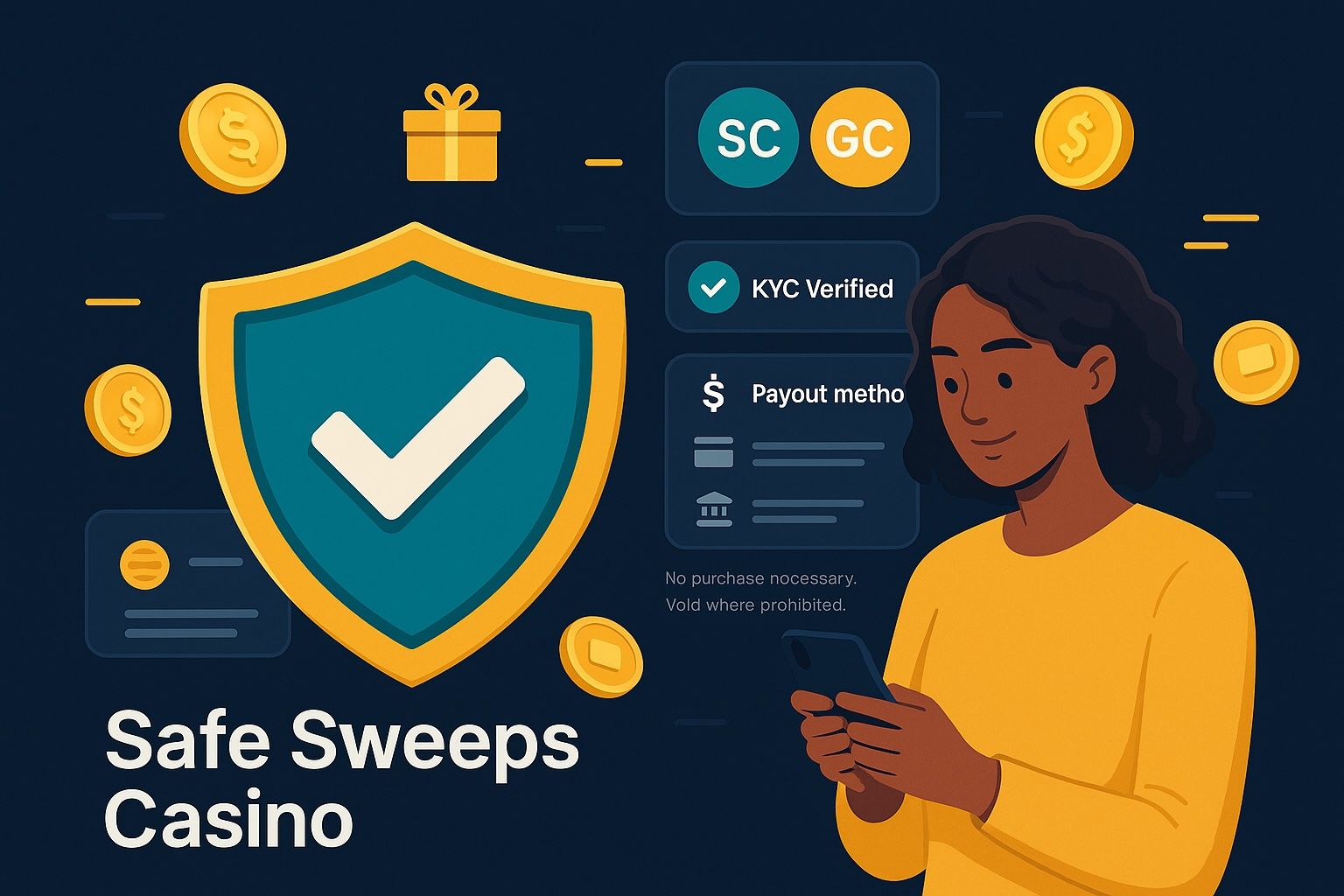
SC = Sweeps Coins: play for prizes and redeem SC under the site’s rules; GC = Gold Coins: play-for-fun coins you can purchase, often bundled with bonus SC.
Disclosure: We may earn a commission when you use our links. No purchase necessary. Sweepstakes subject to eligibility. 18+ / 21+ where required. Void where prohibited. Play responsibly.
Quick Answer: Your 15-Point Safety Pass/Fail
Use this before you sign up. If you can’t check at least 13 of 15, look elsewhere.
- 1) HTTPS lock + valid certificate
- 2) Real company name, address, and contact
- 3) Eligible states + “no purchase necessary” spelled out
- 4) Official Sweepstakes Rules linked and current
- 5) Clear SC/GC explanations on one page
- 6) KYC flow with reputable ID vendor and timeline
- 7) Privacy Policy: data use, retention, and security
- 8) Payment options listed with fees and limits
- 9) SC redemption thresholds, methods, and timelines
- 10) Responsible play tools: limits, timeouts, self-exclusion
- 11) Game providers named; RNG tested by independent lab
- 12) Support channels + response hours posted
- 13) Reputation check: domain age, review patterns, complaints
- 14) Transparent Terms: state restrictions, inactivity fees
- 15) Operational transparency: status updates, promos calendar
Tip: Time-box your check to 12–15 minutes. You’ll save hours later if an issue arises.

How to Use This Checklist (Fast, Practical)
- Pre-site scan (3 minutes): Google “[Brand] official rules,” “[Brand] reviews,” and check their domain age (Whois lookup). You’re looking for age > 1 year and no pattern of unresolved complaints.
- On-site verification (7–9 minutes): Open the site. Find the footer links to Terms, Privacy, Official Rules, About/Company, and Support. Confirm the 15 signals below.
- Test touchpoints (2–3 minutes): Start the sign-up flow until you see the KYC prompt. Open the support contact modal. Note posted response times.
Pro Tip: Screenshot as you go. If a policy changes later, your screenshots become useful evidence in a support case.
1) HTTPS and Valid Certificate
What to check: A lock icon in the address bar and a valid TLS certificate.
Where: Browser address bar; click the lock to view certificate details.
Pass if: Connection is secure, certificate is valid, and issued to the actual brand/parent company. Fail if you see “Not secure,” expired certs, or mismatched domains.
Time: 10 seconds.
Warning: Don’t enter personal info on a page that loads mixed content (secure page with insecure elements). Refresh or leave.
2) Real Company Identity
What to check: Legal entity name, street address, and a working contact method.
Where: Footer (About, Company Info, Contact) and Terms/Privacy.
Pass if: You find company name, address, and email/support. Bonus: Parent company and registration number. Fail if: Only a generic webform with no company name.
Time: 1 minute.
Outcome: If you ever need to escalate, you have a legal entity to reference.
3) Eligible States and No-Purchase Path
What to check: A clear list of eligible states, age requirements, and “no purchase necessary” method.
Where: Official Rules and FAQ.
Pass if: The site lists eligible states and confirms free entry methods (daily login, mail-in, social, or other stated options). Fail if: No mention of eligibility, or confusing language around free play.
Time: 1–2 minutes.
Tip: Take note of your state’s eligibility and any location blocks. Some states require 21+.
4) Official Sweepstakes Rules
What to check: Dated, specific rules for the sweepstakes model (how SC are granted/used, how to redeem, promotion dates).
Where: Footer link “Official Rules” or “Sweepstakes Rules.”
Pass if: Rules include start/end dates, prize descriptions, odds disclosure, no-purchase path, and redemption instructions. Fail if: Rules are missing, generic, or outdated by more than 12 months.
Time: 2 minutes.
Outcome: You know exactly how SC can be used and redeemed for prizes.
5) Clear SC/GC Page
What to check: One page that defines SC and GC and shows how GC bundles relate to bonus SC.
Where: FAQ, “How it Works,” or Purchase page pre-checkout.
Pass if: The page clearly separates GC (play-for-fun) and SC (play for prizes) with example bundles and no implied dollar-to-dollar SC valuation. Fail if: SC/GC are blended in a way that makes value unclear.
Time: 1–2 minutes.
Pro Tip: Predictable value starts with clarity. Note the common bundles and any recurring promos so you can compare across sites.
6) KYC: Know Your Customer Flow
What to check: Identity verification steps, vendor name (e.g., Onfido, Jumio, Veriff), and expected review time.
Where: During sign-up or before first redemption; FAQ/Help Center.
Pass if: The site explains documents needed (ID, address), privacy safeguards, and timeline. Typical times: auto-verify 5–30 minutes; manual review 4–48 hours. Fail if: No KYC details or requests for unnecessary data without explanation.
Time: 2 minutes to read; 5–20 minutes to complete later.
Outcome: Faster redemptions when you finish KYC early.
Tip: Complete KYC before you accumulate SC. It reduces redemption delays.

7) Privacy and Data Security
What to check: What data is collected, why, who it’s shared with, retention lengths, and security measures.
Where: Privacy Policy.
Pass if: The policy names third-party processors, retention periods, and security practices (encryption, access controls). Last updated date within 18 months is a plus. Fail if: Vague statements like “we may share your data” with no specifics.
Time: 2 minutes.
8) Payment Methods, Fees, and Limits (GC Purchases)
What to check: Payment options, min/max purchase amounts, potential fees, and refund policy.
Where: Purchase page, FAQ, and Terms.
Pass if: Cards and/or trusted processors (e.g., PayPal or online bank transfer) are supported; fees are disclosed; limits are shown. Fail if: Surprise fees at checkout or no refund policy.
Time: 1–2 minutes.
Outcome: Predictable GC spend without surprise charges.
Warning: If your bank flags the charge as international when the company claims to be domestic, pause and ask support to clarify.
9) SC Redemption Rules and Timelines
What to check: Minimum SC required to redeem, verification prerequisites, payout methods, fees, and processing time to funds received.
Where: Official Rules, FAQ (Redeem), and Cashier.
Pass if: Minimum redemption threshold is stated (e.g., 50–100 SC); methods listed (bank transfer, e-wallet, check); posted timelines (e.g., 1–5 business days after approval) and any fees disclosed. Fail if: No concrete timelines or vague “soon” language.
Time: 2–3 minutes.
Outcome: You can plan your play for prizes with realistic expectations.
Tip: Note if redemptions are batched (e.g., Mon–Fri) or limited per day/week. That affects how you schedule.

10) Responsible Play Tools
What to check: Purchase limits, cool-off periods, self-exclusion, activity statements, and account closure.
Where: Account settings, Responsible Play page.
Pass if: You can set daily/weekly/monthly purchase caps, initiate cool-off (24 hours to 30 days), and request self-exclusion instantly or within 24 hours. Fail if: Only email-based requests with no timeframe.
Time: 1 minute.
Outcome: You control GC spend and session time.
11) Game Providers and RNG Testing
What to check: Named game studios and independent testing references (e.g., GLI, eCOGRA, iTech Labs) for RNG fairness.
Where: Game info pages, footer badges, FAQ.
Pass if: Studios are listed and at least one independent testing body is referenced. Fail if: No studio names and no testing information.
Time: 1–2 minutes.
Pro Tip: Click a few game info panels. Consistent provider naming increases confidence.
12) Support Channels and Posted Response Times
What to check: Live chat, email, ticket, or phone; service hours; average reply timeline.
Where: Support/Help Center; “Contact Us.”
Pass if: At least two channels are offered and response times are posted (e.g., chat 1–5 minutes, email 4–24 hours). Fail if: Only a generic form with no timeline.
Time: 1 minute.
Outcome: You know where to go and how long to wait.
Tip: Open the support modal and take a screenshot of the SLA. It sets expectations.
13) Reputation and Age
What to check: Domain age, app ratings (if any), third-party review patterns, and complaint resolution.
Where: Whois lookup; app stores; Better Business Bureau or similar consumer forums.
Pass if: Domain age > 1 year, recent updates, and responses to complaints within 7–14 days. Fail if: Fresh domain plus a spike in unresolved complaints.
Time: 2–3 minutes.
14) Transparent Terms and Fees
What to check: Clear Terms covering state restrictions, inactivity/dormant account fees, bonus terms, and prohibited conduct.
Where: Terms & Conditions.
Pass if: Terms are searchable, sections are dated, and any fees (e.g., inactivity after 12 months) are explicit. Fail if: Hidden clauses that materially change redemption or access with little notice.
Time: 2 minutes.
Warning: Watch for “we may change terms at any time without notice.” Look for a commitment to notice periods.
15) Operational Transparency
What to check: Status page or social updates for outages, promo calendars, and winner/prize announcements (where applicable).
Where: Blog, social profiles, or status page.
Pass if: Regular updates (weekly or monthly), downtime acknowledgments, and clear promotion windows. Fail if: Silent outages and missing communications.
Time: 1 minute.
Outcome: Fewer surprises when you plan play sessions.
Suggested Screenshots to Capture
- Example trust signals: Browser lock icon + site’s company info page showing legal name and address.
- KYC prompt: The screen that lists acceptable documents and expected verification time.
- Support contact modal: Channel options, service hours, and posted response times.
Pro Tip: Name your screenshots with date and section, e.g., “2025-04-Company-Info.png.”
Value Signals That Stretch Your Entertainment Dollar
As The Value Auditor, I look for predictable value across GC bundles and SC redemptions:
- GC bundles that repeat week to week with clear quantities, not shifting packages every day.
- Bonus SC tied to transparent triggers (e.g., first purchase bonus disclosed upfront), not vague ranges.
- Redemption windows with posted processing times (e.g., approval within 24–72 hours; funds in 1–5 business days) and no surprise payout fees.
- A published purchase limit you can set yourself (e.g., $50/day) so you control spend.
Tip: Track three numbers per site: average GC price per bundle you buy, SC accumulation rate from your routine, and average redemption time. Patterns reveal true value.

Red Flags Checklist (Walk Away If You See 2+)
- No Official Rules or outdated by >12 months
- SC redemption timeline missing or “case-by-case” with no range
- KYC demands extra documents without explaining why
- Only one support channel, no hours or SLA
- Confusing SC/GC language or implied $1-for-1 SC equivalence
- Eligible states not listed; no “no purchase necessary” pathway
What To Do Next (5-Minute Plan)
- Pick two sites that pass at least 13 of 15 checks.
- Complete KYC upfront on the one you prefer; set a daily GC purchase limit immediately.
- Try a small GC bundle that you can compare across sites (same spend, same day of week).
- Track SC accumulation and test a small redemption once eligible. Note times: submission to approval, and approval to funds received.
- Keep your screenshots and notes in a simple folder. Re-check policies every 90 days.
Reminder: You can play for prizes without purchasing GC. Confirm and use the free entry methods listed in the Official Rules.
Schema: ItemList for This Checklist
Related Resources
- Your state’s consumer protection office website for sweepstakes guidance
- Basic guide to spotting phishing and spoofed domains
- Budgeting worksheet for setting GC purchase limits